Rows sit inside a white card on the Gray 100 background. Nothing in the app is separated by a divider.
 Cincinnati Symphony
2026–27
Cincinnati Symphony
2026–27
No surface here yet
The shell is built and the data underneath it is real. The screens land one record family at a time, starting with Events.
Open the data specimen Open the navigation mapCincinnati Symphony · Maestro CMS
Check your inbox
A sign-in link is on its way to . It works once, for 15 minutes.
Maestro CMS
Register
The vocabulary the back office is built from, before any screen uses it. Every rule here is scoped under.cms, which
outranks the seven registers above it without touching them —
and declines .btn and .field, whose every
copy carries phone geometry.
Type below 16
The published ladder stops at 16, correctly, because it was drawn for a phone in a lobby in low light. A desk tool reading sixty rows at once needs steps underneath it, or every table cell is a magic number. Four steps, and four is the budget.
Season opens 11 Mar15 / 1.35
--t-ui-lgSeason opens 11 Mar13 / 1.40
--t-ui-mdSeason opens 11 Mar12 / 1.40
--t-ui-smSeason opens 11 Mar11 / 1.45
--t-ui-xsThe three missing steps
The documented scale reads 4/8/12/16/20/24/32/48/64. The published set is 8 through 128, step 8. These three are in the documentation and were not in the build; nothing referenced them, so adding them cannot break anything.
4px
--sp-412px
--sp-1220px
--sp-20Status
One control, every record type — the component that carries the settled publishing decision. Grouped by lifecycle phase rather than five unrelated colours. Scheduled is the state the whole control exists for: it is neither draft nor live and staff must not read it as either, so it is the one drawn as an outline.
Draft
In review
Scheduled
Live
Retired
Controls at desk density
32px, not 46px. .field input sits at a thumb target
in six of the seven registers above; a pointer is a pixel and the
row it lands in has fifty neighbours. The quiet button carries no
edge until it is pointed at, because forty outlines down a table
read as a grid rather than a set of actions.
Shown to patrons on Events and Home.
Each performance holds its own.
A date in the past cannot open a sale.
The table, adopted
.cms-table was already in this file, written for a
reference table in the patron app’s About page and then never
used by any markup. It is already on the token system and already
scrolls in its own container. Adopted rather than rewritten, with
one untraceable number fixed and the row rhythm tightened from
reading to scanning.
| Production | Series | Performances | Hall | Status |
|---|---|---|---|---|
| Beethoven Nine | Classical | 3 | Springer Auditorium | Live |
| Brahms and Beyond | Classical | 3 | Springer Auditorium | Scheduled |
| Holiday Pops | Family | 6 | Springer Auditorium | In review |
| Late Night Quartet | Chamber | 1 | Music Hall Ballroom | Draft |
| May Festival Chorus | Classical | 2 | Springer Auditorium | Retired |
Maestro CMS
Data
The seed, and the clock that gives it meaning. Nothing here stores “went live” —status holds what
somebody decided, the dates hold when they meant it, and
effectiveStatus() reads the two against the current
time.
Productions
Stored is the decision somebody made. Effective
is that decision read against the clock. Only the first is in the
seed; the second has to be computed every time it is drawn, which is
the only way scheduling can be true with no server to run a job on.
| Production | Stored | Publish | Unpublish | Performances | Effective |
|---|
Performances
Child rows, not a recurrence rule. Mahler is the case that settles it: one programme, Friday and Saturday at 8pm and Sunday at 2pm. No “repeats every” control can say that, and every event product that reached for one says it wrong.
| Production | When | Hall | On sale | Sold |
|---|
Local edits
The seed is in git and read-only. Anything changed here lives in this browser alone, keyed under the seed version — which is what lets a link to an older build render that build’s own data rather than today’s.
Patron
Analytics
Invoicing
Challenges
Session
Maestro CMS
Navigation map
The back office as built, 2026-09-24. Solid nodes are built and open. Dashed ones are not yet.
Entry
Destination · sidebar
Built · opens the screen
Shared · built once
Not built · Deferred or Open
Onsale week · 1–5
Sign inPassword or an emailed link · only active team members get in
DashboardFigures on top, Needs you and Coming up below · every figure derived
Events
Production list17 productions · five states as tabs, with counts
ProductionTitle, dates, image, publish window · autosaves
PerformancesChild rows · date, hall, on-sale · read-only for now
Season scopeA label in the top bar · no chip on the list yet
Programme & worksThe programme editor · in the data, not in the form
On-sale & seatsWindow, holds, exchange rules
Cancel or rescheduleAnd what the patron is told
Home
Home blocksFour blocks, live counts · Season progress, derived
NoticesTonight / Coming up is chosen, not computed
AlertsOne live at a time · the CMS enforces it, visibly
News carousel16:9 cards, each through review
PromptsThe offer to a patron with no pass
Feed orderDrag and visibility · the order is fixed for now
Next-action ruleBlocked on the patron side
Patrons
Patron listNo., plans, attended, standing · lookup mid-call is ⌘K
Patron recordSynced from Tessitura, beside the CMS’s own contact, access and note
AttendanceRead-only · synced from ticketing, not a permission
HouseholdSynced as text · no linked-accounts screen yet
Badges
Plans
Plan listSubscriptions and memberships · renewals column
Plan recordRenewal window · counted, not typed
Included concertsA checklist of productions
BenefitsUse · Used · Reserve · read-only
Member passTwo stats on the pass · no pass designer
Redemption
Plan rulesWho may buy what · no corpus evidence
Global
SponsorsLevel, logo, publish window · the wall at the foot of Home
SeasonsCreate, archive, set the current one
Programme contentNotes and essays reused across concerts
Visibility rulesPatron-app configuration
AnalyticsOverview, tickets, donations · every figure derived
InvoicingA Stripe invoice, posted to Tessitura on payment
Invoice composerThe invoice drawn beside the form, as it is typed
ChallengesThe CMS writes the rule · the portal keeps score
Challenge cardOn the phone, under Season progress, while Challenges is on
PreviewsOne switch per feature, one store
Media libraryFolders, uses counted · removed files come back
ActivityEvery record’s history, by who and where · Put it back
OrganizationOne org per deployment · name, season, box office
TeamInvite, resend, remove, let back in · no role column
IntegrationsTessitura · Stripe while Invoicing is on
PreviewsAnalytics, Invoicing, Challenges
Record listStatus tabs, filter, saved views, bulk
Record editorAutosaves each field, and says so
Publish controlDraft · review · published · scheduled and retired come from the clock
Review queueIn the sidebar, with a count · sending back needs a note
Version historyField-level, on every record · Put it back
Media pickerAlt text is asked for at the point of use
Patron previewA toggle in the top bar · the patron app itself, beside the form
Command palette⌘K · go to, act, create · where staff learn the keyboard
Bulk & saved viewsA season is 60 concerts, not one · nothing deleted in bulk
System statesNot found, failed, loading · the lab’s Network switch
- Events · ProductionConcertEvents · Subscription · Membership · Profile
- Events · PerformancesConcertEvents · Subscription · Membership · Profile
- Events · attendance ruleConcert, attendedSubscription · Profile
- Events · tonightNow playingHome
- Home · NoticeNoticeHome
- Home · AlertAlertHome · Now playing
- Home · News carouselNews cardHome
- Home · PromptPromptHome
- Home · season ruleSeason progressHome
- Portal · challengeChallengeHome
- Patrons · recordPersonProfile
- Patrons · badgesBadgeProfile
- Patrons · attributesAttribute pairHome · Membership · Profile · Manage account
- Plans · planPlan summaryHome · Subscription · Profile
- Plans · member passMember passSubscription
- Plans · benefitsBenefitMembership
- Global · sponsorsSponsorHome
Maestro is the staff side of an orchestra's patron app. Sanity still handles the words and cards. Maestro handles the operations behind them: ticketing changes, donations and adjustments, invoicing, analytics and app admin.
Box office, marketing, development and leadership work from the same records. Each team only sees the pages that apply to their role.
Invoices are created in Stripe, and payment status syncs to Tessitura on its own, so no one has to key in paper checks by hand. Analytics covers conversion, ticket sales and donations. You can ask questions about the data in plain language.
Every orchestra gets its own app, deployed separately under its own name. Patrons never see Maestro. This prototype is built for the Cincinnati Symphony Orchestra first. The parts that apply to every orchestra are shared, and anything specific to one orchestra, like Cincinnati's Harmony Pass, is switched on for that orchestra only.
View the repositoryDesign system
Layout
The diagram is drawn with the same values it documents.
The documentation grid
label
content
180px
28
remainder
Gaps
Rack gap 16px · between items in a rack
Column gap 40px · between prose columns
The navigation tree
Five columns with 16px gutters. The guide line stops at the center of the first and last column, which is calc((100% - 64px) / 10) from each edge: half a column, derived from the grid rather than guessed, so it lands on center at any width.
18px on the phone. Cards sit on that gutter rather than running to the edge of the screen.
Components
Scale
States
Primary
Default
Active
Focus
Disabled
Secondary
Default
Active
Focus
Disabled
Tertiary
Default
Active
Focus
Disabled
Input
Default
Focus
Filled
Disabled
Icon
Default
Active
Focus
Disabled
In place
Live at Music HallNow
Tokens
Color
color.text
#060607
Body copy and headings
color.text.subtle
#50504E
Secondary text and captions
color.text.subtlest
#969593
Eyebrows, inactive tab labels
color.text.inverse
#FFFFFF
Text on Maestro Red or ink
color.text.brand
#690218
Current tab, brand emphasis
color.background
#FFFFFF
Screens and cards
color.background.raised
oklch(0.98 0 0 / 82%)
Blocks sitting on white
color.background.subtle
#CBCAC8
Tab bar and segmented tracks
color.background.brand
#690218
Primary action and the active tab
color.accent
#B9D7F6
Maestro Blue. Published as a primary color and not yet used in the app
color.border
oklch(0.90 0 0 / 90%)
Hairlines between rows in a list
Space
space.050
4px
Icon to label
space.100
8px
Inside a chip
space.150
12px
Button padding block
space.200
16px
Between items in a rack
space.250
20px
Button padding inline
space.300
24px
Screen padding
space.400
32px
Between stacked groups
space.600
48px
Page gutter
space.800
64px
Between sections
Radius
radius.pill
999px
Buttons and inputs use 8px. Chips and the segmented control use the fully rounded value
radius.field
12px
Text inputs and icon plates
radius.card
8px
Navigation-map nodes
radius.chip
7px
Icon chips inside map nodes
radius.none
0
Cards, lists, sheets and the pass use 16px
radius.full
50%
Circular marks only: dots, avatars, round buttons
Alpha
alpha.1
.12
Fills on a tinted background
alpha.2
.24
Dividers inside a dark panel
alpha.3
.40
Scrims behind a sheet
alpha.4
.60
Secondary text on media
alpha.5
.82
Primary text on media
Frost
frost.tint
rgb(232 232 232 / .34)
The background behind a full-screen overlay
frost.blur
blur(34px) saturate(118%)
One blur for every overlay
Safe area
safe.top
env, min 52px
Status bar. Every screen starts below it
safe.bottom
env, min 30px
Home indicator. The tab bar clears it
Font
font.family.display
Show pass
FT System Blank
Headings. 66 glyphs, trial cut
font.family.body
Show pass
Lab Grotesque
Everything a member reads
font.family.code
Show pass
Lab Grotesque Mono
Token names, values and code
font.heading.large
Enescu
72 / 1.12
Hero on the splash
font.heading.medium
Enescu
48 / 1.1
Section headings
font.body
Show pass
16 / 1.2
Default reading size
font.body.small
Show pass
14 / 1.2
Buttons and navigation
font.code
Show pass
10 / 1.4
Token names and values
Examples
Spacing
space.0504pxspace.1008pxspace.20016pxspace.30024pxspace.60048pxIcons
18px · 1.75 stroke Feather icons, twenty-two in the set. Always paired with a label, never used alone.
Icons
- Home
nav-home - Events
nav-events - Subscription
nav-subscription - Membership
nav-membership - Profile
nav-profile - Notification
bell - Search
search - NFC tag
nfc - Check
check
Web modules
-
Statement
How unified operations perform.
From the first ticket purchase to the next donation, Maestro connects every audience interaction in one place. Your box office, marketing, development, and leadership teams work from the same information, without disconnected tools or duplicate records.
Headline, body, one action. The page opens and closes on this module and uses it to break between sections; nothing else carries a primary button.
-
Data points
Data point3xData point#1Data point50%Three figures, three bars, heights in proportion to each other. The bar is the only place colour appears on the site, and it is doing the measuring.
-
Full-bleed statement
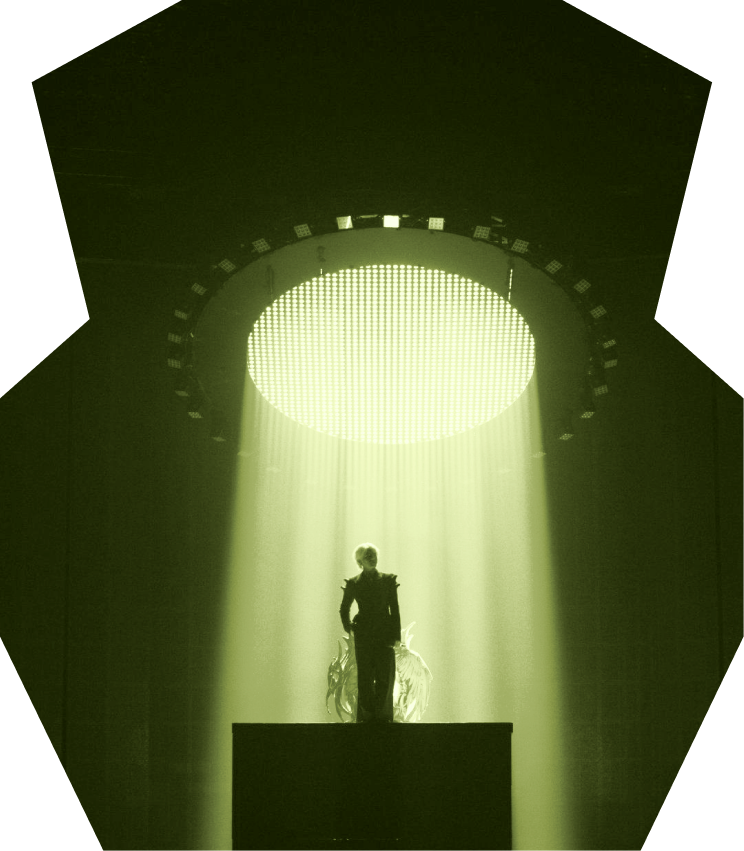
Built for the wayPerforming arts organizations actually work. One sentence split around a photograph, top and bottom. The image is the argument; the type only finishes it.
-
Capability rows
- Box office
- Simpler selling, seating, exchanges, and audience service.
- Marketing
- Clearer segmentation and a complete view of patron behavior.
- Development
- Attendance and engagement data connected directly to giving.
- Leadership
- Real-time visibility across revenue, audiences, and operations.
One department per row, one line each. Rows divide on a rule rather than sitting on cards, because they are one list and not four objects.
-
Comparison
Legacy systems
- Data separated across teams
- Complicated workflows and workarounds
- Reports assembled manually
- Limited visibility into patron relationships
- One connected patron record
- Intuitive workflows across departments
- Real-time reporting and shared insights
- A complete view of every audience relationship
-
Product still
 All events
Classical series
Family series
Pops series
Special concerts
All events
Classical series
Family series
Pops series
Special concerts
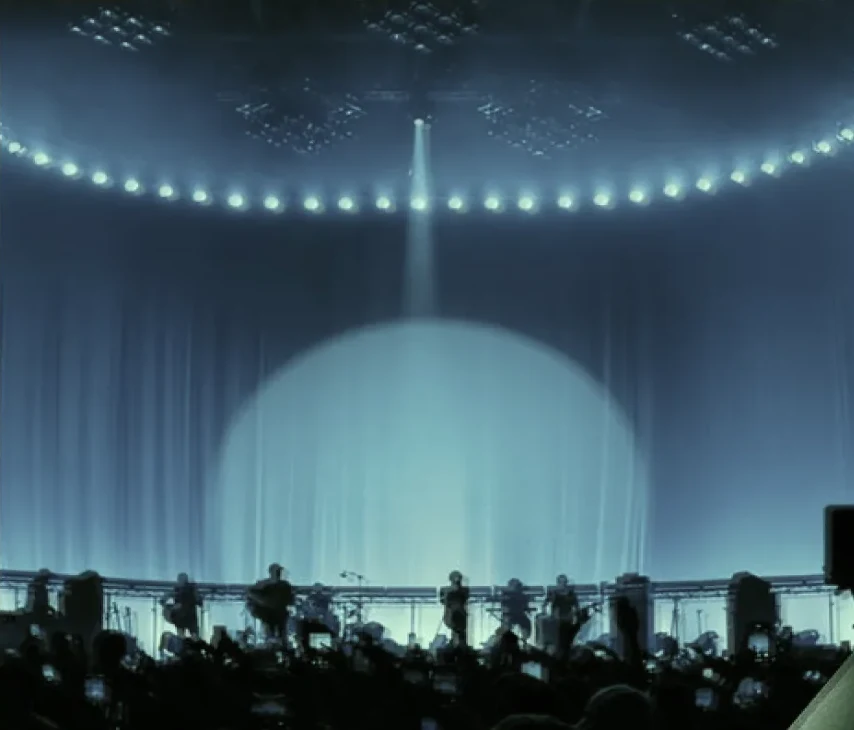
A photograph of the hall with one piece of the product laid on it. The panel is real UI at its real size, never a rendering of one.
-
Accordion
Eyebrow
What teams ask before they move
How long does implementation take?
Most organizations move in a single season. Box office and ticketing go first, so selling never stops, and development follows once the patron records are matched.
Can we keep our historical data?
Attendance, giving and membership history all carry across and stay attached to the same patron record.
Who needs training?
Anyone who sells, segments or reports. The workflows are shared, so the training is too.
Rows divided by a rule, one open at a time, with a plus that becomes a minus. Built on <details> so it opens without script and a closed answer is still in the page for search and for print.
-
Card stack
Eyebrow
Heading goes here
-
Box office
Selling, seating and exchanges in one place, with the same record behind every transaction.
-
Development
Attendance and engagement data connected directly to giving, without a second export.
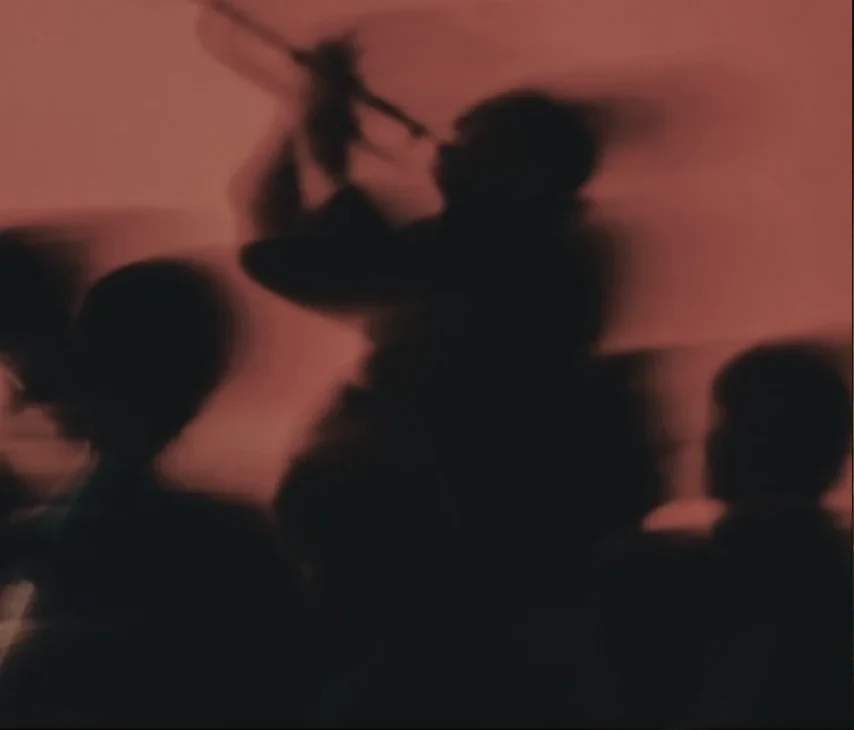
Media, heading, a short paragraph, one action. The library draws the button in the placeholder blue that ships with the kit; it is black here, because the site has one filled button and this is it.
-
-
Wordmark close
The page ends on the mark at the largest size it is ever set. Nothing follows it.
Identity system · 01
Maestro identity
A visual identity for cultural institutions, applied across concert information, ticket access, and membership.
Principles
Set headlines and body text in FT System Blank. Do not add a third typeface. The current cut is a trial and covers a limited character set, so accented names fall back to Lab Grotesque. Check names such as Măcelaru at their real size before approving a layout.
Use Maestro Red for the primary action and the active tab. Do not place it directly against ink; the two measure 1.56:1 and will not separate. Build everything else from the gray ramp.
Group related content in a card rather than dividing it with a line. A set of values describing one thing is a single card. A list of separate items is one card per item.
Three levels, all on Radius/Button 8. Primary fills with Maestro Red. Secondary fills with Gray 100. Tertiary has no fill and is used for low-emphasis actions placed inside other content, such as View all or Clear all. Change the fill between states, not the shape or size.
Separate content with a change of background rather than a divider. Cards are white on the Gray 100 background, with no border and no shadow. Overlays and sheets use a solid background so the controls inside them stay legible.
Mark












Eight outlined paths on a 1025 × 132 viewBox, with no live text, so the mark carries no font dependency. It is inlined once as a <symbol> and referenced wherever it appears.
The mark inherits currentColor, so it takes Maestro Red on light backgrounds and white on dark ones. Do not recolor the artwork.
Below 18px the stacked bars in the symbol stop separating. In this prototype the Maestro mark appears at 42px on the splash screen, in the marketing screen header, and in this documentation.
Leave clear space on all four sides equal to half the height of the lockup, measured from its bounding box. Place nothing inside that area.
Color
Primary
#FFFFFF#060607#690218#B9D7F6UI · Red
#E5A1A3#D16265#A01F3B#690218#3A000DUI · Blue
#DBE8F6#B9D7F6#8EB3D9#658DB5#365B82UI · Yellow
#FFE4AE#F3CF85#D7B063#B38A39#87641FUI · Green
#CADEB4#B4C699#94A77A#7A8C61#606E46Grayscale
Gray 100#F6F5F3Gray 200#CBCAC8Gray 300#969593Gray 400#50504EGray 500#2D2D2CTypography
Display and UI · FT System Blank
Maestro
UI · FT System, falling back to Lab Grotesque
Member pass ready
Tonight · 7:30 PM · Music HallThe trial cut covers the alphabet, digits, space, comma, and period. Every other character falls back to Lab Grotesque through a unicode-range, so the switch is defined in the stylesheet rather than left to the browser.
Read Măcelaru closely: the M, c, e, l, a, r and u are FT System, the ă is Lab Grotesque. Assume every accented name in the catalog does this until the full cut is licensed.
Photography
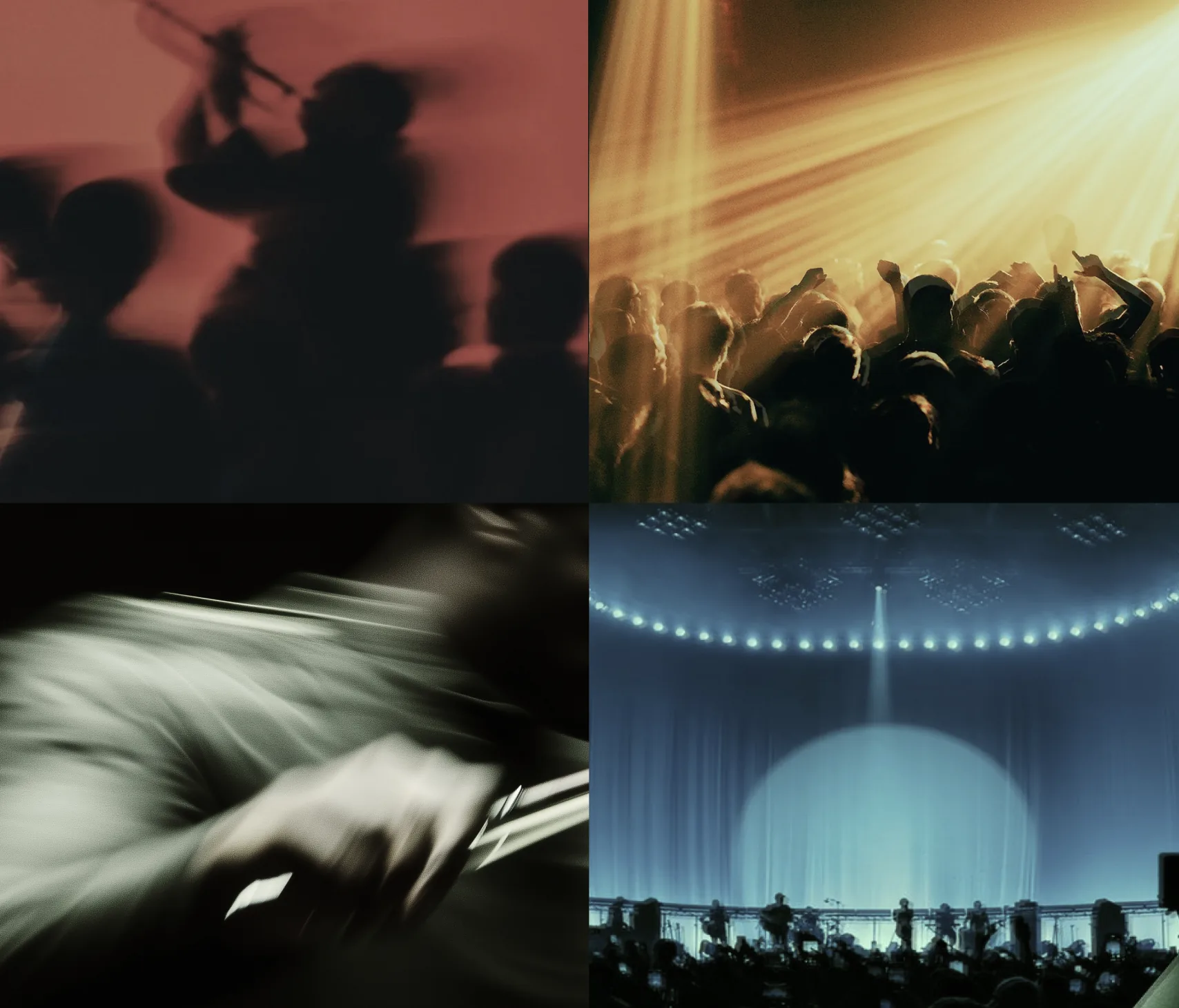
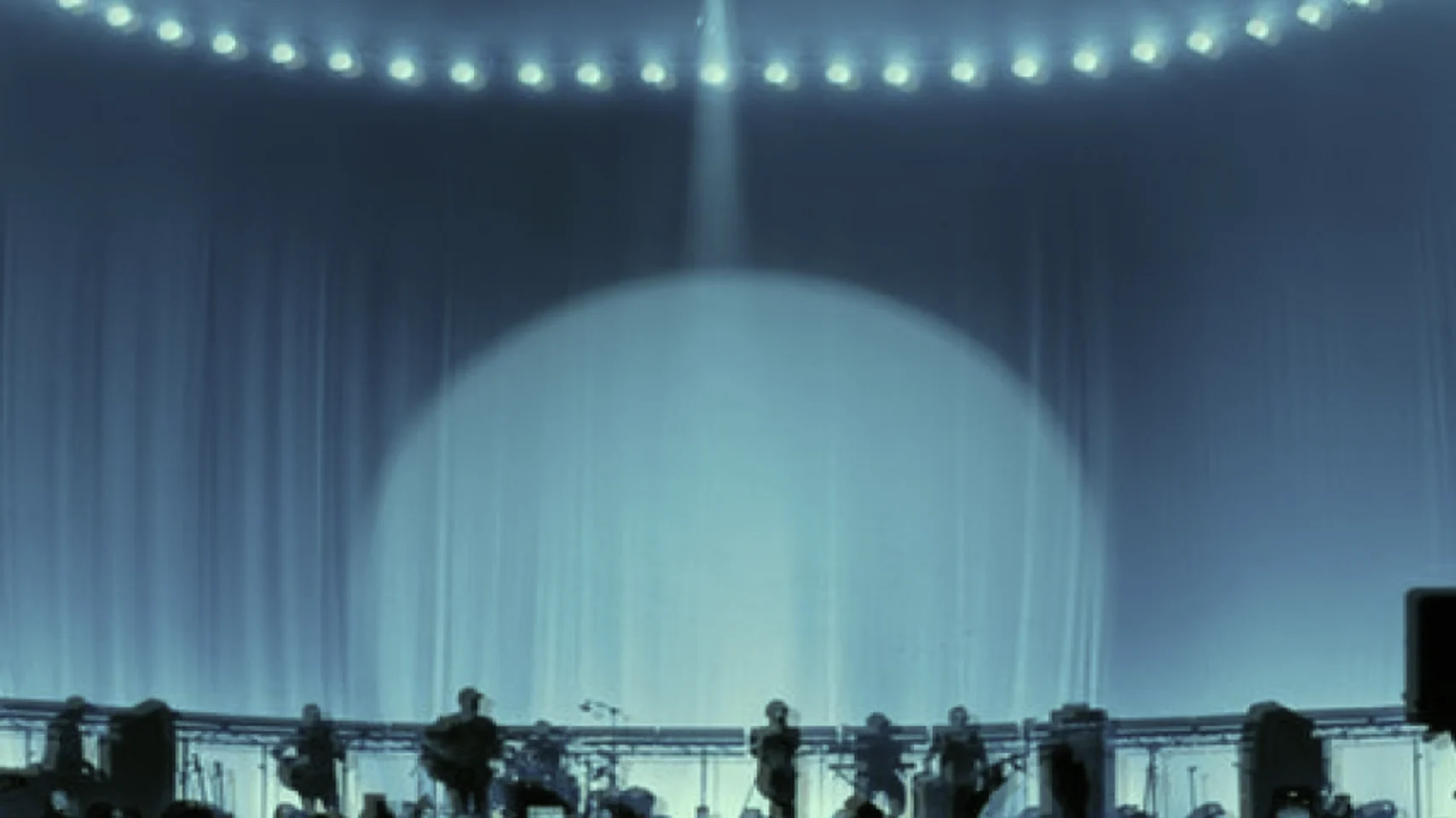
Use performance photography with long exposures: a bow mid-stroke, a hand leaving a key, an audience in motion under stage lighting. No posed shots and no one looking at the camera.

Motion
pressTransform on tapcolorHover and statescreenEntry between screensambientSplash focus, letter driftcubic-bezier(.22, 1, .36, 1). It slows quickly and settles, which suits a screen arriving. Do not add a second curve.
The build defines five animations: a screen entering at 280ms, a sheet at 320ms, an overlay fade at 240ms, and two ambient effects on the splash screen. Most transitions run at 160 to 180ms. Animate a change of state; if a motion is not tracking something that changed, remove it.
Under prefers-reduced-motion, reduce every duration to .01ms, including the ambient splash animations.
Voice
Doors open at 6:30.
Not “Your unforgettable evening awaits.” Say what the member needs.